
Client Onboarding Organizer
Onboard Desk
Bring each accepted client from brief to kickoff in one organized workspace, with intake answers, tasks, materials and meetings together.
Purchase, payment and download happen on Etsy. Current price and any sale are shown there.
About Onboard Desk
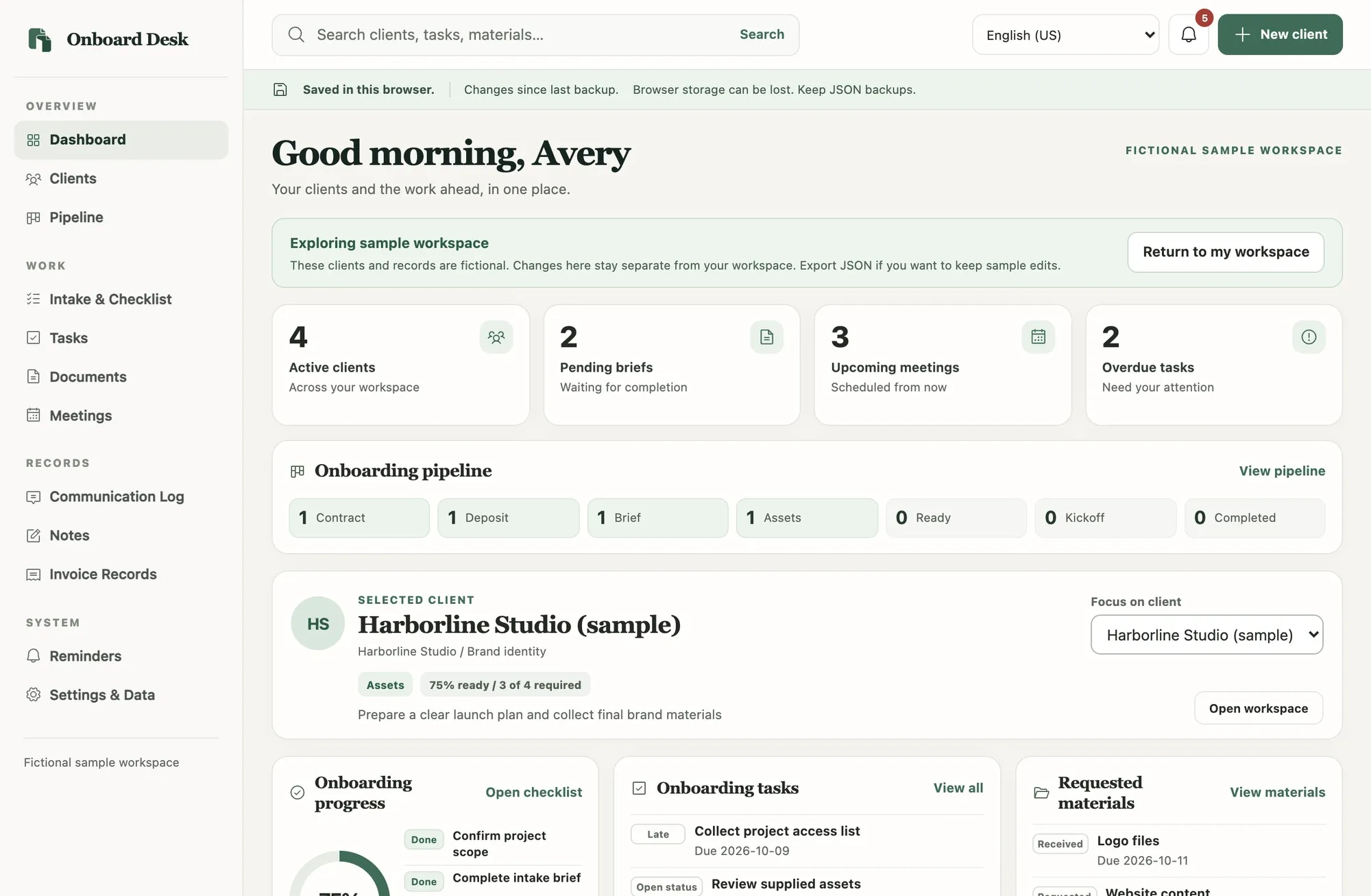
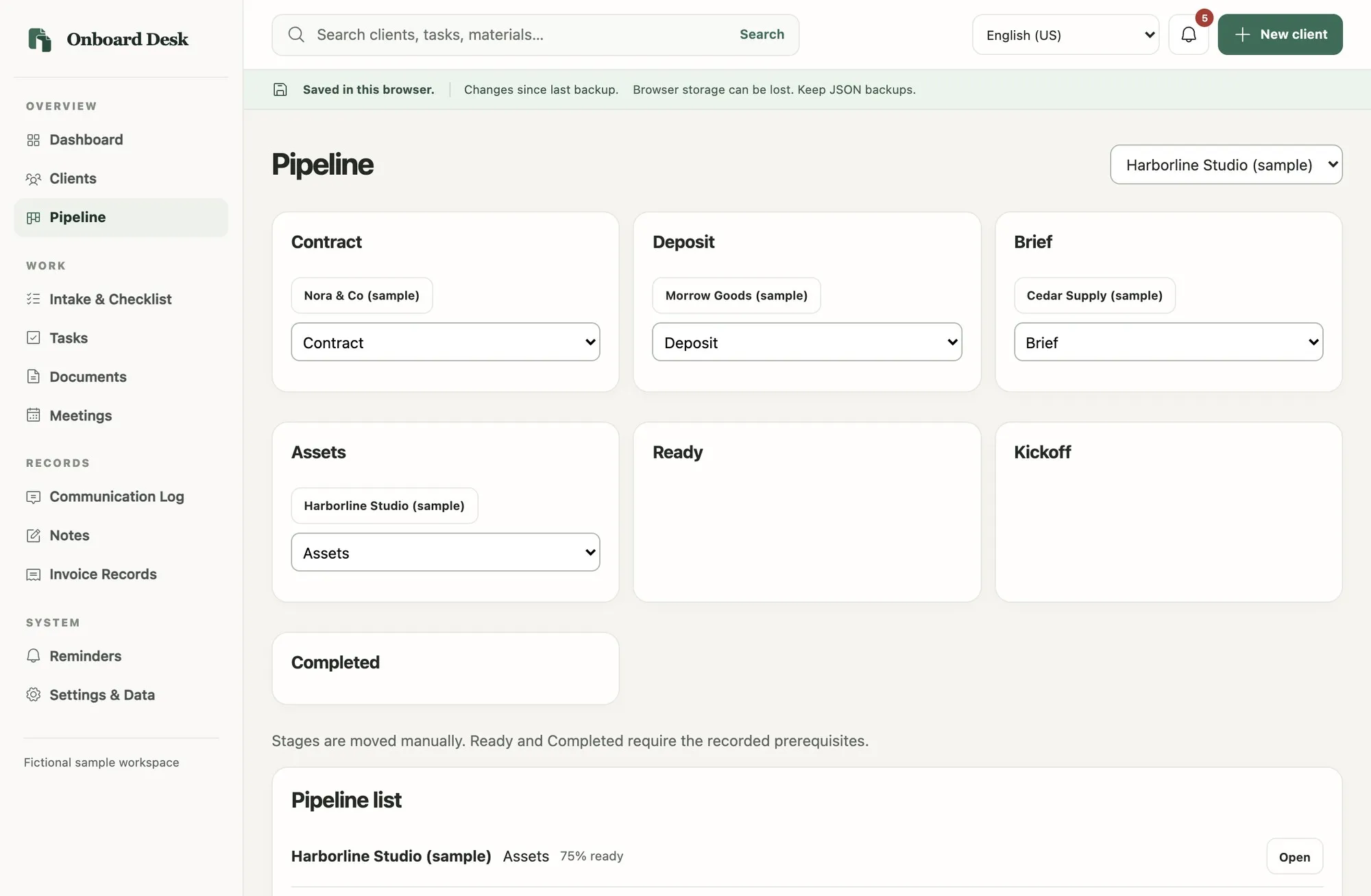
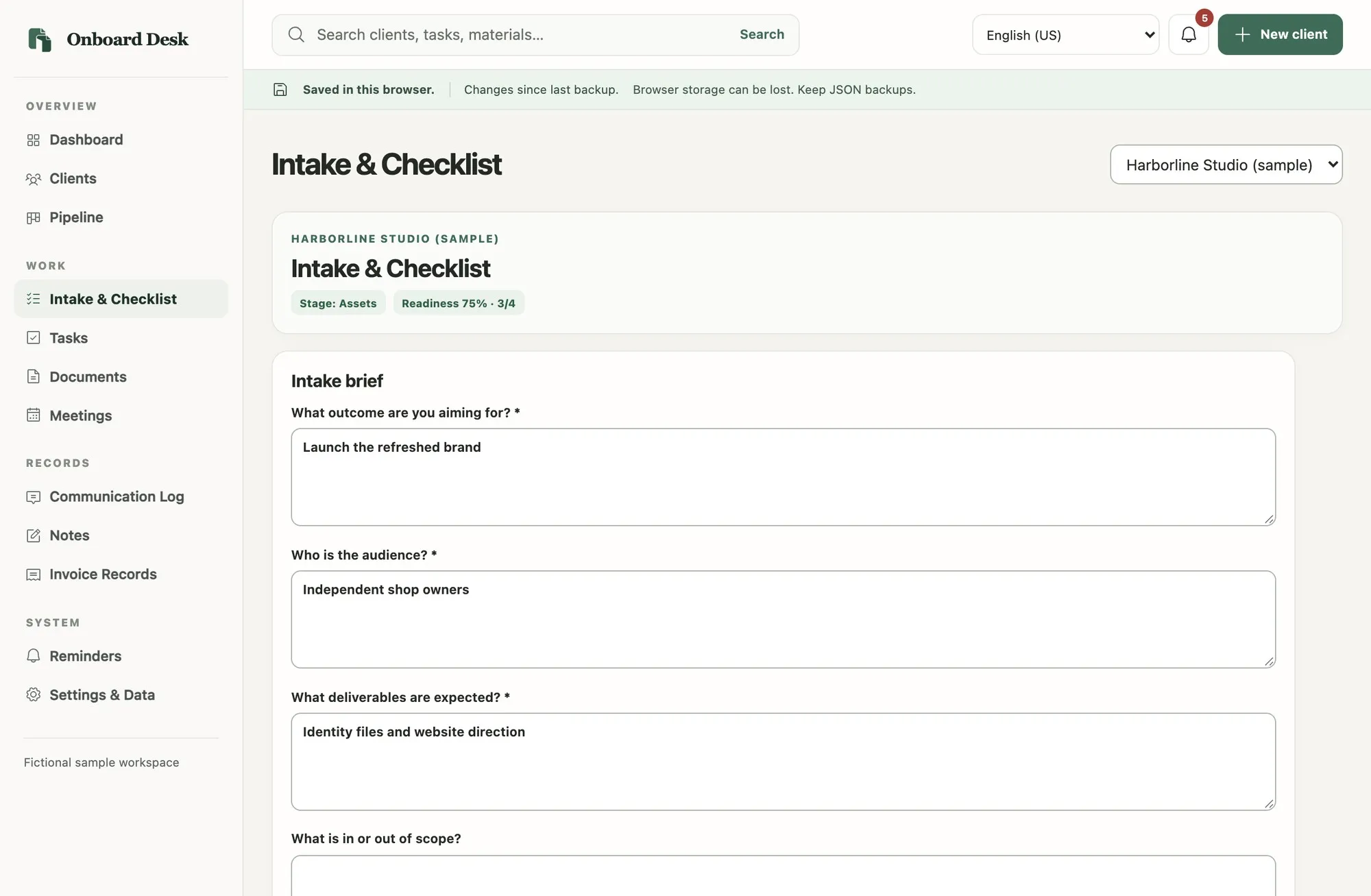
Onboard Desk keeps client details, project goals, intake answers, requirements, tasks, materials, meetings and communication notes together. See completed and outstanding onboarding items, search your workspace, and prepare a kickoff summary with Copy, Print and Export TXT controls.
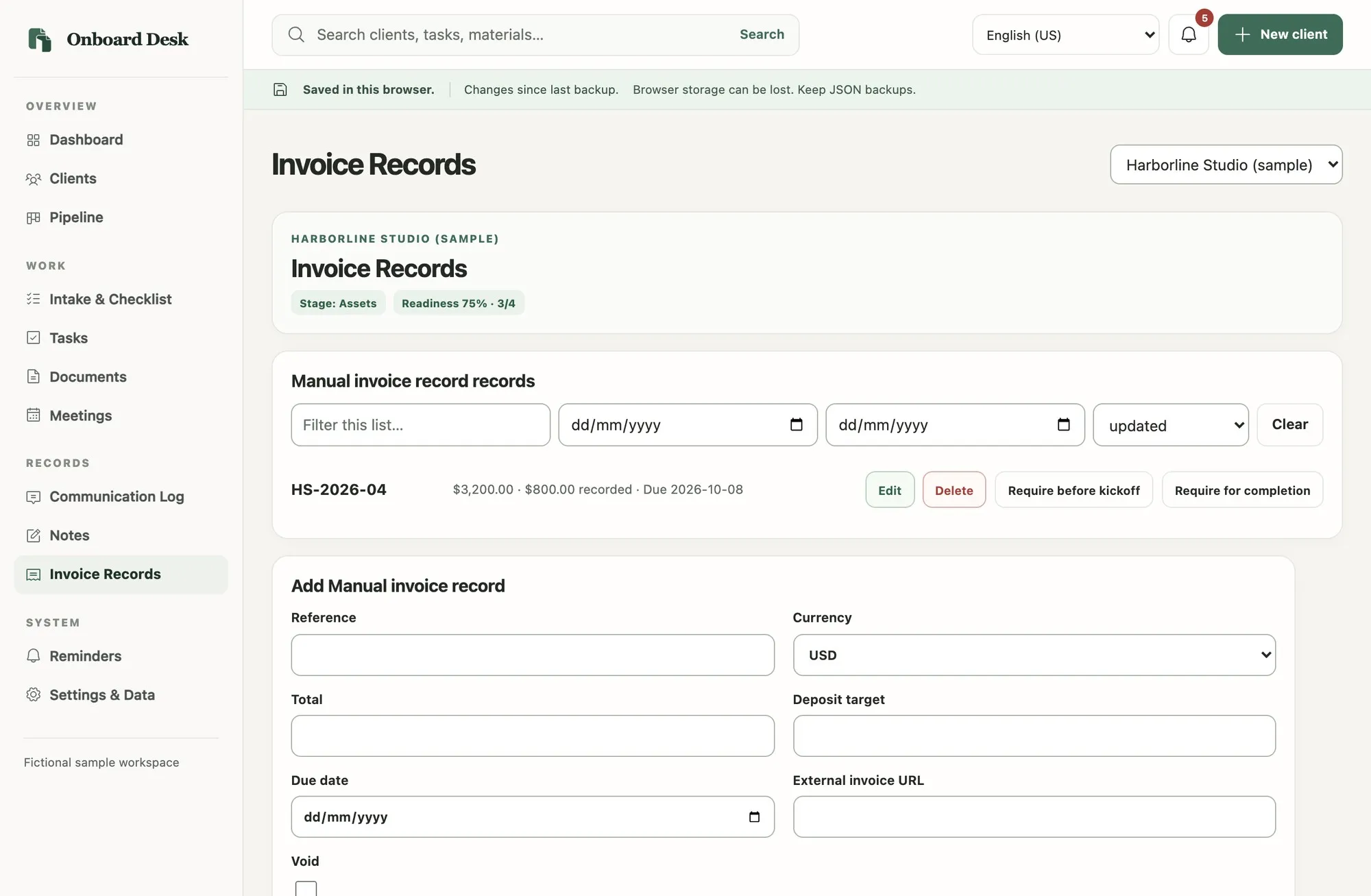
Invoice and payment entries are manual records. In-app reminders help you track what needs attention while the app is open.
The interface offers English (US), Spanish (Latin America), French, German, Italian and Brazilian Portuguese. The guide and Start Here PDF are in English. Your own text is not translated.
Download on a computer, extract the ZIP and open the HTML file in a desktop browser. Start blank, explore the separate sample workspace, or restore a JSON backup. No terminal, installer, app account, subscription or code editing is required. Browser storage is a convenience copy, not a permanent backup, so export JSON backups regularly.
Good for
- Collect intake answers and requirements for a new client
- See completed and outstanding onboarding items
- Prepare a client-specific kickoff summary to copy, print or export as TXT
Screens
Listing images with real app screens and fictional sample data. Device scenes are decorative.
Ready to try Onboard Desk?
Purchase, payment and download happen on Etsy. Current price and any sale are shown there.
Questions before buying? Contact the studio.